How to Improve AI Generated Image Ads With Feedback
AI image ads improve when you treat the first output as a draft and fix the system behind it. The changes that mattered most were using the right image model, rewriting the prompt builder to write ad prompts instead of photography prompts, separating client references from per ad references, and feeding likes, dislikes and written feedback back into client memory.
- Expect the first outputs to be weak. Go back and forth and improve the system, not just the single image.
- Check which image model the tool is actually calling. The wrong model made outputs poor.
- Use two kinds of reference: client level images for brand context, and per ad images for layout inspiration.
- Fix the prompt builder. Ours wrote photography prompts when it needed ad creative prompts.
- Likes and dislikes update a memory for each client, so brand details do not leak between clients.
Why are the first AI image ads usually weak?
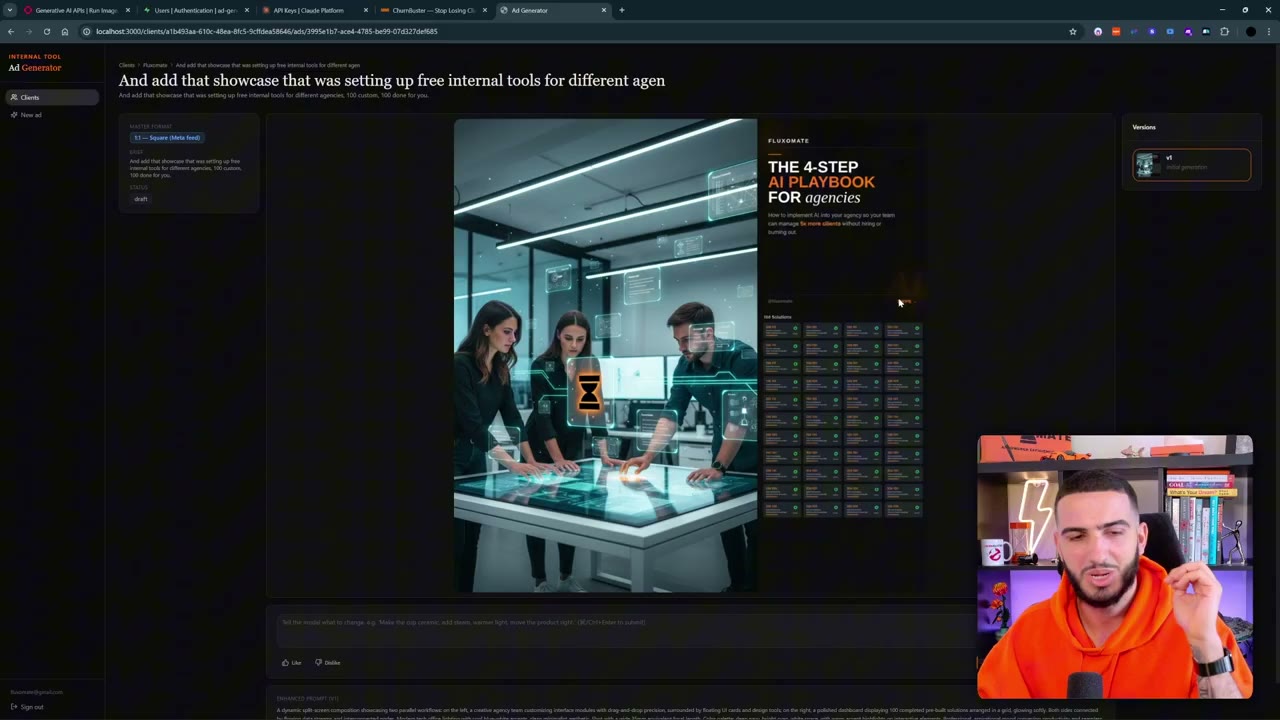
The first version of our ad generator produced what we openly called AI slop. One output pasted a reference image straight into the ad. Another had a split screen layout we did not want. There was plenty of potential, but nothing we would run.
The lesson is that the first version is the worst version it will ever be. The quality comes from going back and forth, giving feedback and improving the context the AI works with. We set the goal to finish with at least one ad we would actually run.
Which image model is your tool really using?
One of the biggest improvements came from a simple check. We asked the tool which image model it was using, then checked the generation history on the image platform we were calling. It was using an older, faster Gemini image model rather than the newer model we wanted.
We told Claude Code to switch to the newer model and the outputs improved. The generations took longer, but quicker models tend to cost you in output quality. If your outputs are poor, verify the model before rewriting everything else.
How should reference images work in an ad generator?
We found we needed two separate kinds of reference image.
A client level reference helps the system understand the brand: its look, tone and style. It should give context. It should not appear inside the ad itself. Early on our tool pasted these images directly into the creative.
A per ad reference sits in the ad creation step. It gives the AI inspiration for the layout of the ad you want to make. It should not be copied directly. We added the option to attach one when creating an ad, and we asked for the reference to live with each generation rather than across refinements.
We also chose to toggle the client logo per ad, rather than always passing it in as an image input.
How do you fix the prompt behind the ads?
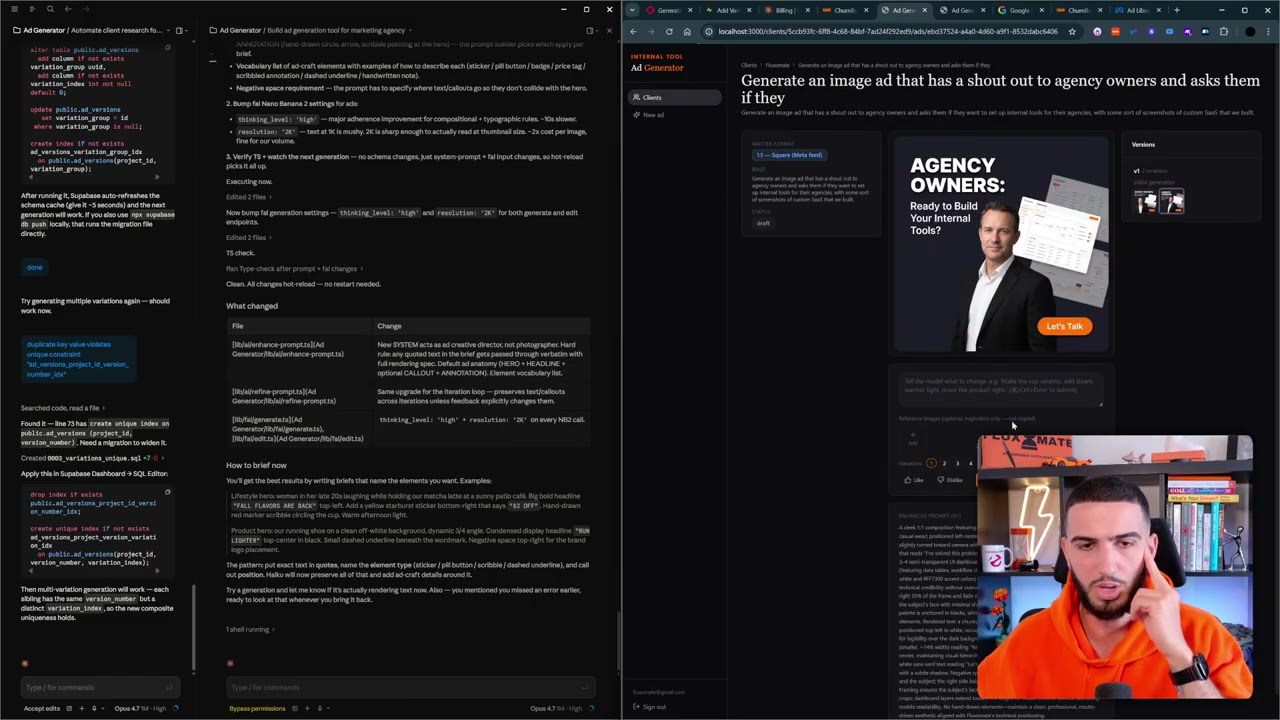
Even with a better model, outputs did not behave like ads. They had no headline text, no callouts and none of the scribbles we asked for. We told Claude plainly that the ads were not good, and asked it to plan how to improve them.
Its diagnosis was that the prompt builders were writing photography prompts, not ad creative prompts. It rewrote them, and we also asked it to research Meta ads, since the goal of the creative is to get attention so people click, and to update the system prompts with that.
Other changes we made to the tool at this stage:
- Choose how many outputs you want, with each output a different style of the ad.
- Select a specific size, rather than always generating all sizes.
- Research a client with AI from a website, which finds logos, images and brand details so you do not enter them by hand.
- Cycle back through earlier versions of the same ad.
- Approve a final image, then generate more variations of that winner, and upscale it.
How do feedback and memory improve ads over time?
Each client has its own memory. When we marked a generation as disliked, the tool added a note to that client's memory describing what to avoid, such as a full screen composition. Likes update the memory too. Future ads for that client use these notes in the prompt.
Because everything is held per client, one client's brand colour does not spill into another's. We tested this by adding a second client with a very different brand and checking that the first client's orange did not appear in its ads.
Written feedback on a specific image also works. When we asked it to change only some text, it edited only that part. Asking for a different font, cleaner text or a gradient background gradually improved the look. Replacing the person in an ad with a reference photo also worked.
How do you finish and edit the ads?
Once we had an output we were happy with, we approved it and generated other sizes. We also needed a proper download button, which we asked Claude to add.
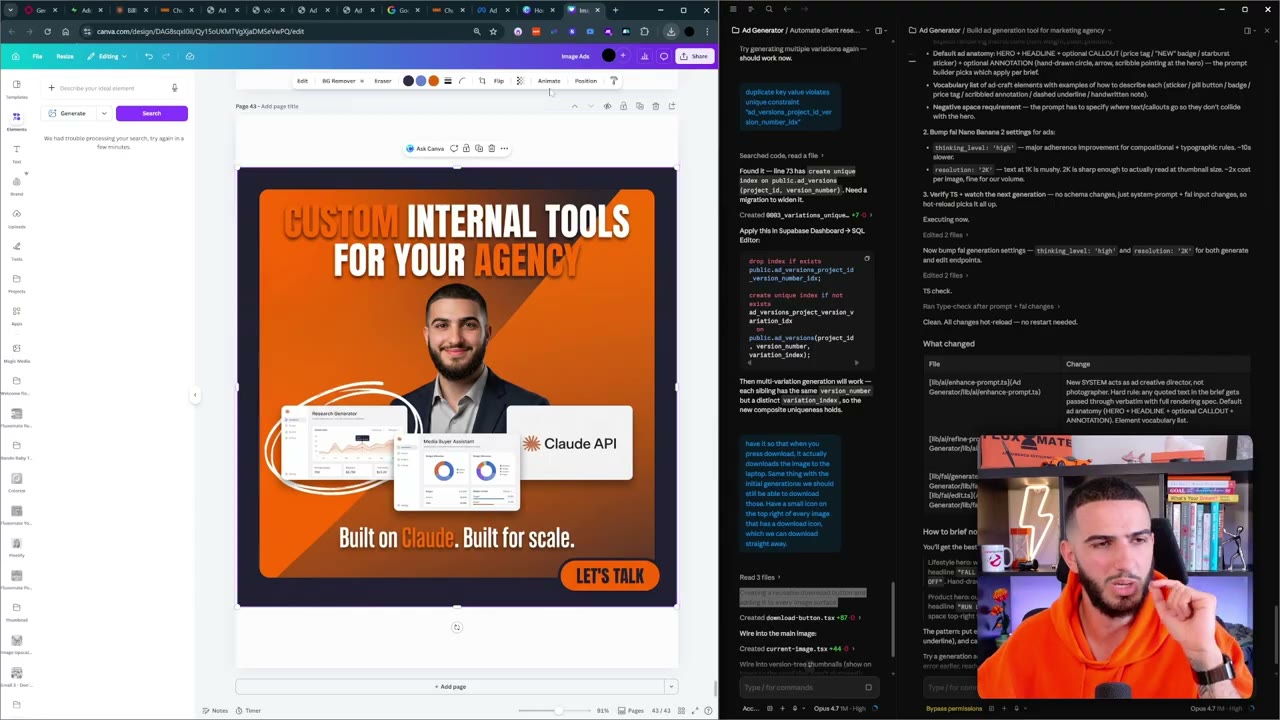
For final edits we used Canva. It can break an image into separate layers with a feature called Magic Layers, so you can change text, fonts and positions without regenerating. Getting the first generation done is the hard part. Editing the details in Canva is quick.
We also asked for a modest upscale function, capped at a file size of around 10 megabytes, so images look crisper without becoming huge.
Questions people ask
Why do AI generated ads look generic?
Usually the system behind them lacks context. In our case the prompt builder wrote photography prompts, reference images were used wrongly and the model was not the one we intended. Fixing these made the outputs look more like ads.
How should reference images be used for AI ads?
Use two kinds. Client level references give brand context and should not appear in the ad. Per ad references give layout inspiration and should guide the design without being copied.
How do you keep one client's branding out of another client's ads?
Store the brand profile and memory separately for each client and build every prompt from that client's data only. We tested this with a second client that had very different branding.
How do you edit an AI ad after it is generated?
Give written feedback to the tool to change specific parts, or export the image and use a design tool. We used Canva's Magic Layers to split an image into editable layers.
Rather have it built for you?
Fluxomate builds internal tools and AI agents for agencies. On your stack, owned by you.
See if you qualify